
You walk into a store to buy a new phone or laptop, and the specs mention an AMOLED display on one model and an LCD panel on another. For many people, those words sound confusing. But the type of screen you choose can affect how your device looks, how long the battery lasts, and even how durable the display is over time.
If you've ever wondered about the difference between an AMOLED and LCD display, you're in the right place. Let's go through the basics so you can make a choice that fits your needs.
The Core Difference: How They Light Up
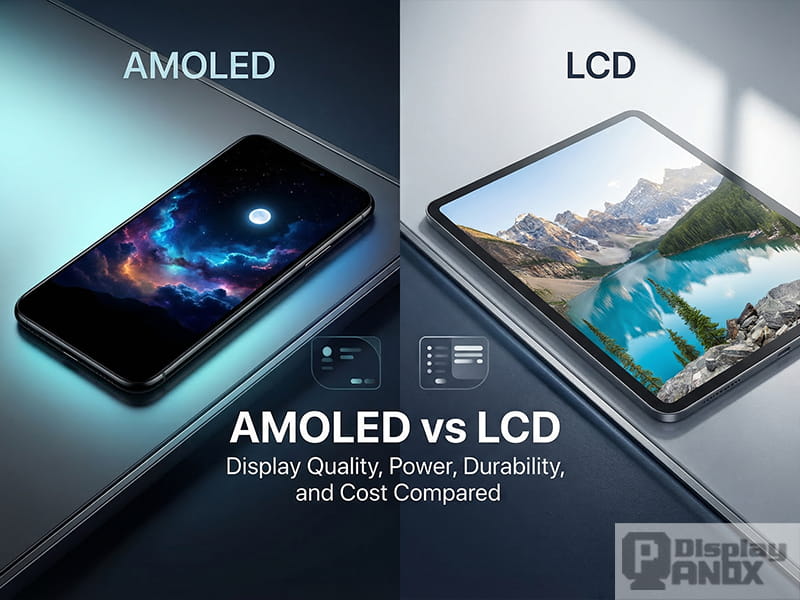
Choosing between AMOLED and LCD is essentially a battle between vibrant contrast and natural longevity. While both get the job done, they function in fundamentally different ways.
What is AMOLED?
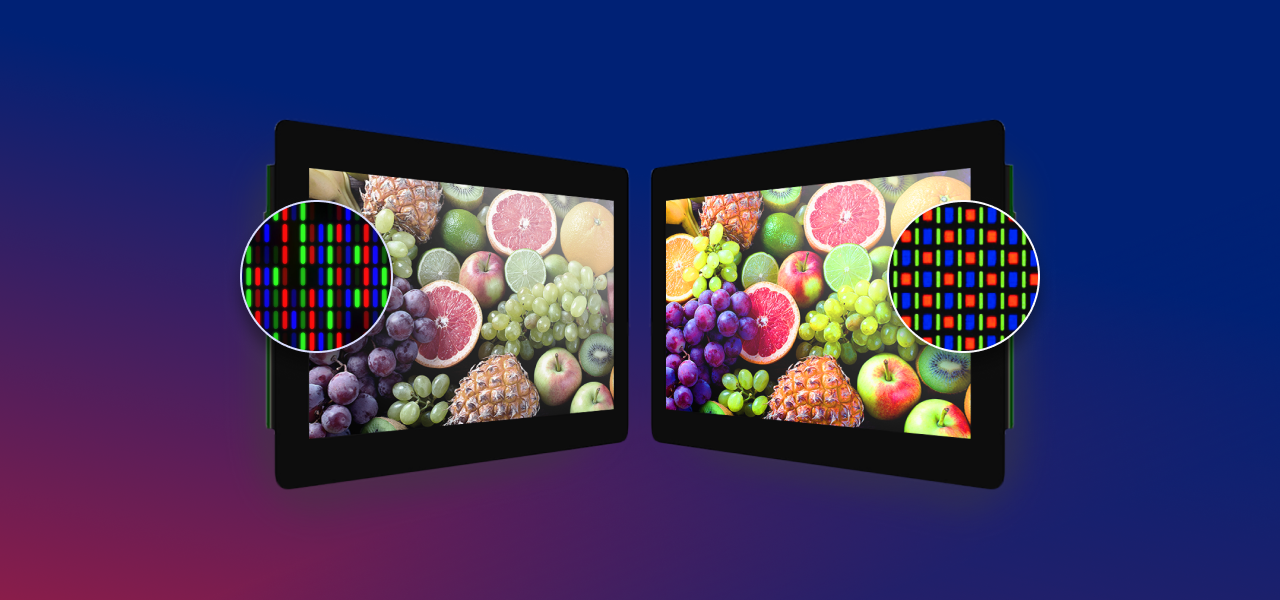
AMOLED stands for Active Matrix Organic Light Emitting Diode. Instead of relying on a backlight like traditional screens, an AMOLED display uses tiny organic compounds that light up on their own when electricity passes through them. That means each pixel can turn on or off individually. If the screen shows black, those pixels are completely off, creating deep, true blacks.
You'll often see terms like dynamic AMOLED screen or FHD+ Super AMOLED display in product descriptions. These highlight the advantages of higher contrast, richer colors, and better energy efficiency when showing darker images.
What is LCD?
LCD stands for Liquid Crystal Display. This technology has been around for decades and is still widely used. Unlike AMOLED, an LCD panel doesn't emit its own light. Instead, it uses a backlight that shines through liquid crystals to create the image.
Because of the backlight, LCD screens can't achieve the same deep blacks as AMOLED. When you see black on an LCD, it's really dark gray, since the backlight never fully switches off.
Quick Comparison Table
| Feature | AMOLED | LCD (IPS/TFT) |
|---|---|---|
| Contrast | Infinite - True blacks | Good - Blacks look dark grey |
| Battery Life | Better with Dark Mode (pixels turn off) | Consistent regardless of content |
| Thickness | Paper-thin and flexible | Thicker (needs a backlight layer) |
| Lifespan | Prone to "burn-in" over many years | Very long; minimal degradation |
| Cost | Premium/Higher cost | Budget-friendly |
| Sunlight Visibility | Excellent, though some colors shift at angles | Great in direct sunlight |
Why It Matters to You
1. Visual Punch
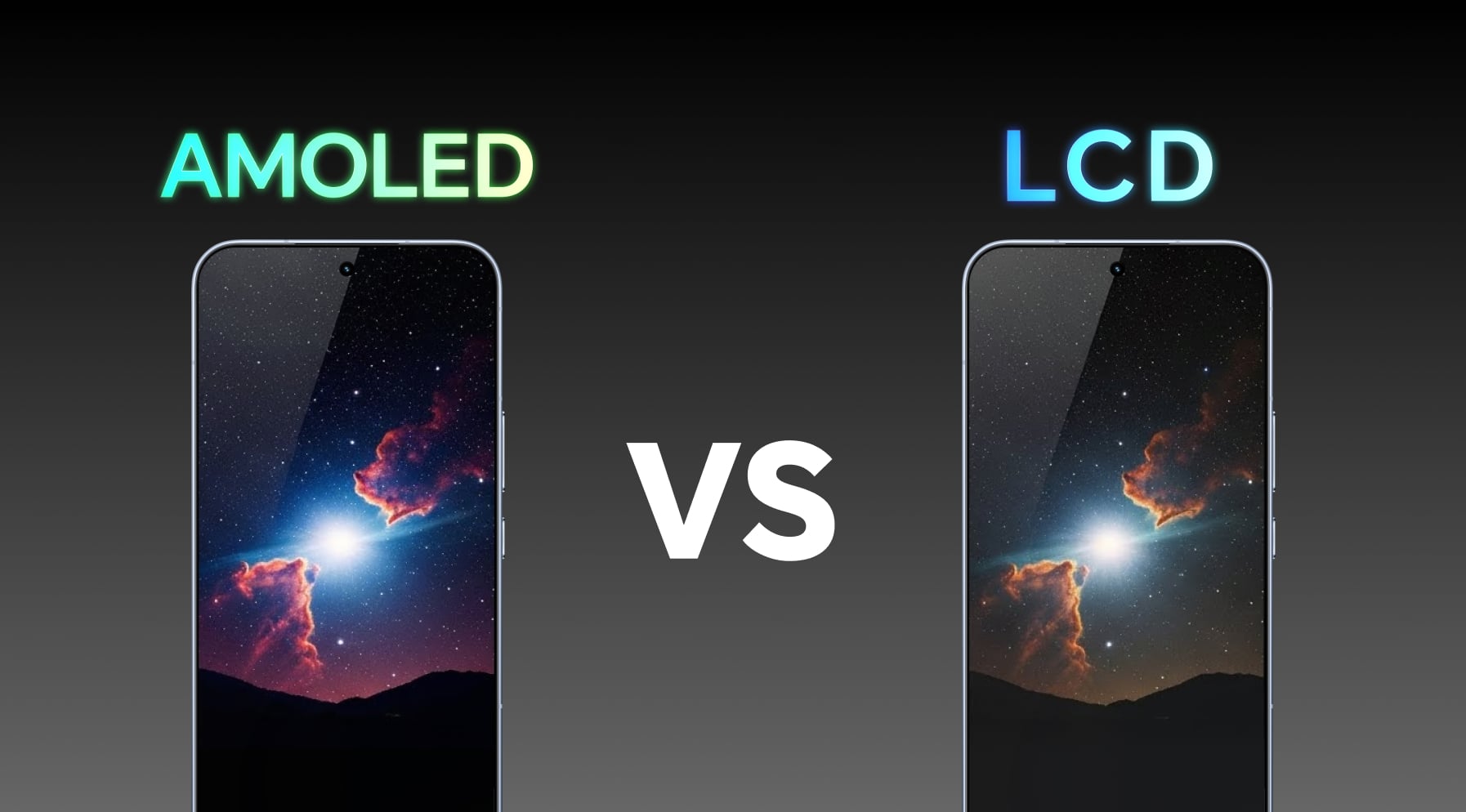
Because AMOLED can turn pixels completely off, the contrast ratio is technically infinite. This makes colors pop and gives movies a "cinematic" feel. LCDs, because the backlight is always on, often struggle to show deep blacks, resulting in a slight "glow" in dark rooms.
2. Battery Efficiency
If you use Dark Mode on an AMOLED screen, you are actually saving physical energy because those black pixels aren't consuming power. On an LCD, the backlight is blasting at full strength whether your wallpaper is white or black.
3. Durability vs. Beauty
LCDs are the workhorses. They don't suffer from "burn-in" (where static images like navigation bars leave a ghost image). AMOLEDs use organic compounds that degrade over time, though modern tech has made this much less of an issue for the average user.
Who Should Choose What?
Let's look at the ideal use cases for each. People usually fall into one of these four categories based on their needs:
The "Cinephile" & Gamer
You want deep immersion. AMOLED's infinite contrast makes space scenes look truly black rather than muddy grey. The response times are also near-instant, meaning less motion blur during fast-paced action.
The Outdoor Worker
You need to read spreadsheets without squinting. High-quality LCDs often maintain better sustained brightness without the risk of overheating or dimming.
The "Keep it Forever" User
You plan to use your device for 5–7+ years. LCDs are chemically stable and won't "ghost" even after a decade of heavy use. AMOLED uses organic material that eventually decays.
The Power Saver / Night Owl
In Dark Mode, an AMOLED screen saves significant battery. AMOLEDs can also get incredibly dim, making them comfortable for late-night scrolling.
Summary Checklist
Detailed Breakdown: AMOLED vs LCD
1. Color and Contrast
AMOLED: Produces vibrant colors and very high contrast because each pixel emits its own light and can turn completely off. Blacks are true black, and bright colors appear more vivid.
LCD: Offers more natural and balanced colors, but blacks appear grayish because the backlight is always on. Contrast is limited, which can make some dark scenes look less dynamic.
2. Brightness
AMOLED: Modern AMOLED displays can reach high brightness levels suitable for outdoor use, but older models may struggle under direct sunlight.
LCD: Generally maintains even brightness across the screen and often performs better in strong sunlight because the backlight is always on.
3. Power Consumption
AMOLED: More energy-efficient when displaying darker content since black pixels are turned off. Power usage increases with brighter screens or white-heavy content.
LCD: Consumes a steady amount of power regardless of what's displayed, because the backlight is always lit.
4. Thickness and Design
AMOLED: Thinner and more flexible, enabling curved or foldable screens. This allows for innovative device designs.
LCD: Slightly thicker due to the backlight layer. More rigid, which limits some modern design options.
5. Lifespan and Burn-in
AMOLED: Over time, static images may leave faint marks known as burn-in. Blue pixels tend to age faster than red or green.
LCD: Less prone to aging issues and does not experience burn-in. Colors remain stable over long-term use.
6. Cost
AMOLED: Typically more expensive due to complex materials and manufacturing processes. Premium devices often feature AMOLED panels.
LCD: Cheaper and widely available, making it a common choice for budget and mid-range devices.
So, which is better?
If you love watching movies, gaming, or scrolling through social media where visuals matter, an AMOLED screen will wow you. The rich contrast and saturated colors make photos and videos look more lively.
If you're someone who values practicality, an LCD might fit your needs better. No worries about burn-in, better readability outdoors, and more neutral color tones for professional work.
Advantages of AMOLED Screens
- Entertainment: Perfect for streaming or gaming with punchy visuals
- Battery Efficiency: If you use dark mode often, AMOLED helps extend battery life
- Premium Design: Devices with AMOLED screens tend to look sleeker and support curved edges
Advantages of LCD Screens
- Budget-Friendly: LCD devices generally cost less
- Durability: No worries about burn-in, making it safer for heavy users
- Readability Outdoors: Some LCD screens are easier to read in direct sunlight
- Color Accuracy: For photo editing, some prefer LCD's neutral color tones
Final Verdict
Choosing between an AMOLED and LCD display depends on what matters most to you. If you want rich visuals, deeper blacks, and a sleek design, AMOLED is the way to go. If you prefer a more affordable, reliable, and long-lasting option, LCD is a solid choice.
Both screens have their place, and now you know when each one makes sense. Next time you're comparing phones or laptops, you'll be able to decide with confidence.
Frequently Asked Questions
AMOLED screens are better for deep blacks, vibrant colors, and energy efficiency with dark themes, while LCD offers brighter visibility outdoors, longer durability, and a lower cost. The choice depends on your priorities—if you want premium visuals, go for AMOLED; for reliability and affordability, LCD is ideal.
Yes, AMOLED screens are excellent for watching videos, gaming, or enjoying vivid colors. They provide high contrast, true blacks, and thinner, sleeker designs. Modern phones with FHD AMOLED display or Dynamic AMOLED screen deliver sharp visuals that make content pop, though they can be pricier than LCD devices.
Yes. AMOLED panels are more expensive to produce because each pixel emits its own light and allows for advanced features like curved screens. That's why you'll often see AMOLED in high-end smartphones, while budget phones usually stick to LCD.
You can check your phone's specs online or in the settings under display information. Manufacturer websites and phone reviews can also reveal whether your device uses AMOLED, Super AMOLED, Dynamic AMOLED, or an LCD screen.
Yes, LCD displays are still a solid choice. They offer bright, consistent visuals, natural colors, and strong durability. LCD screens are especially effective outdoors and are cost-efficient, making them ideal for budget smartphones and tablets.